When can I download TrakToDo?+
TrakToDo is coming to the US App Store for iPhone, iPad, and Mac, with an Apple Watch companion. You’ll find the download link here once the app is available.
Can I use it without Pro?+
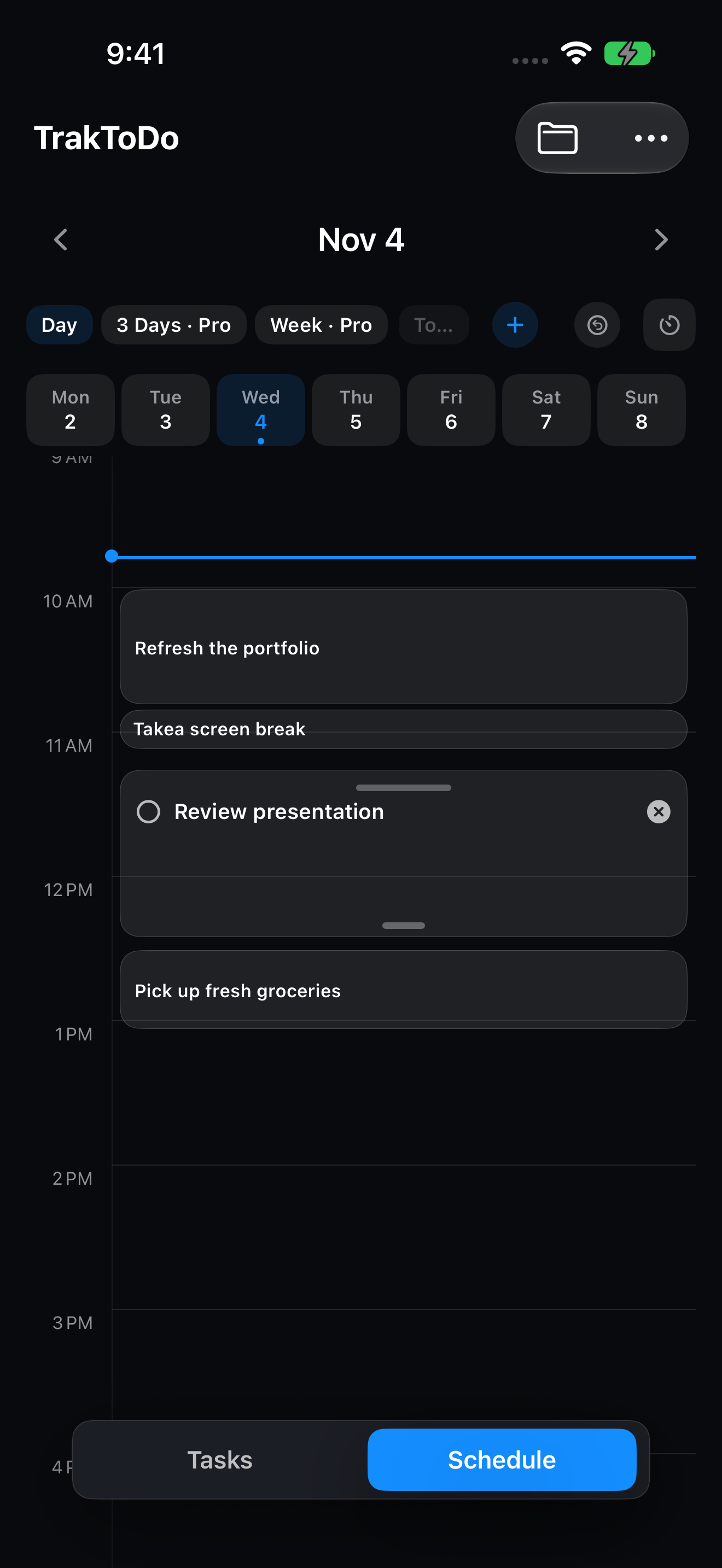
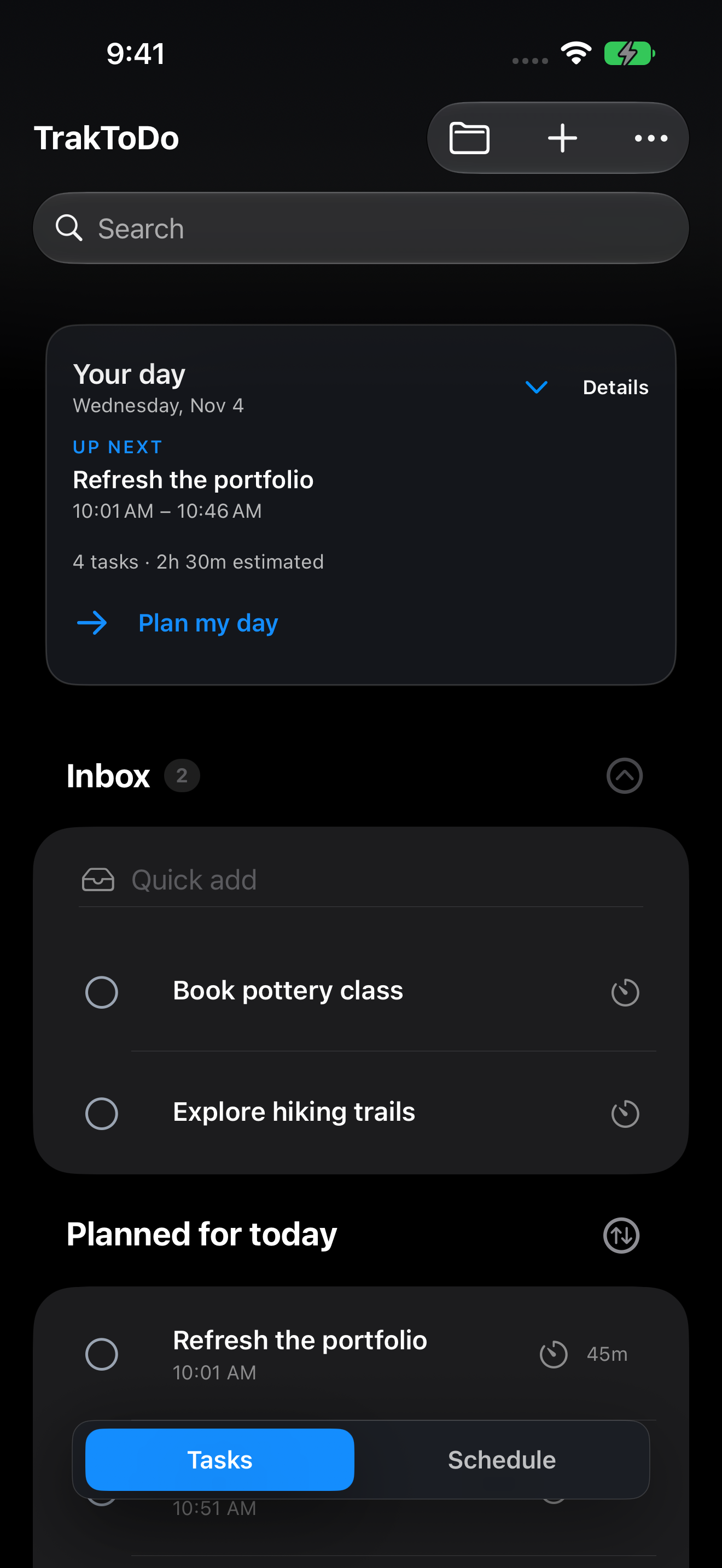
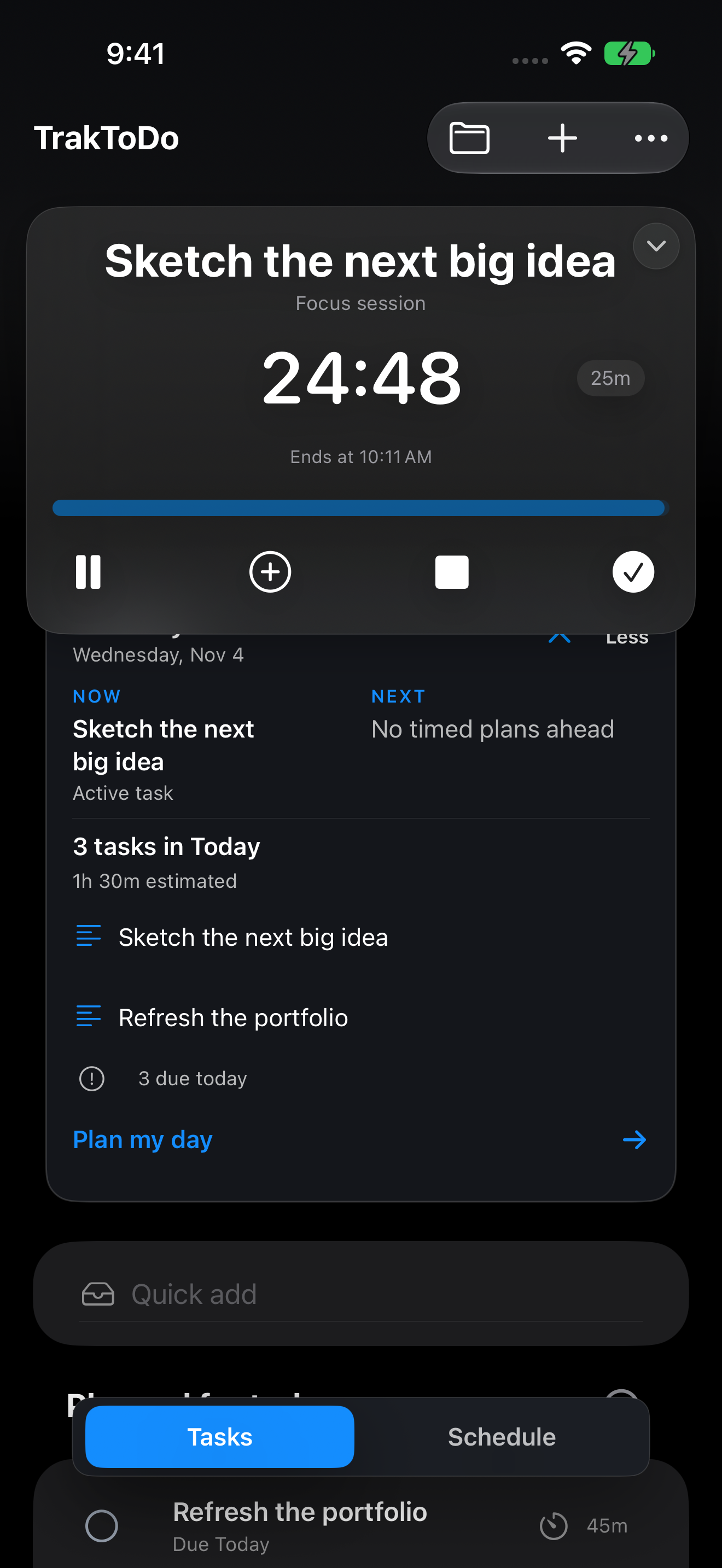
Yes. Free includes unlimited tasks and projects, deadlines, reminders, daily scheduling, basic focus, Needs attention, widgets, and iCloud sync. Pro adds the planning tools listed above.
Do I need another account?+
You don’t need a separate TrakToDo account. Your data is stored on your device. To use iCloud sync, sign in to the same Apple Account on your devices.
Does it work with Calendar and Reminders?+
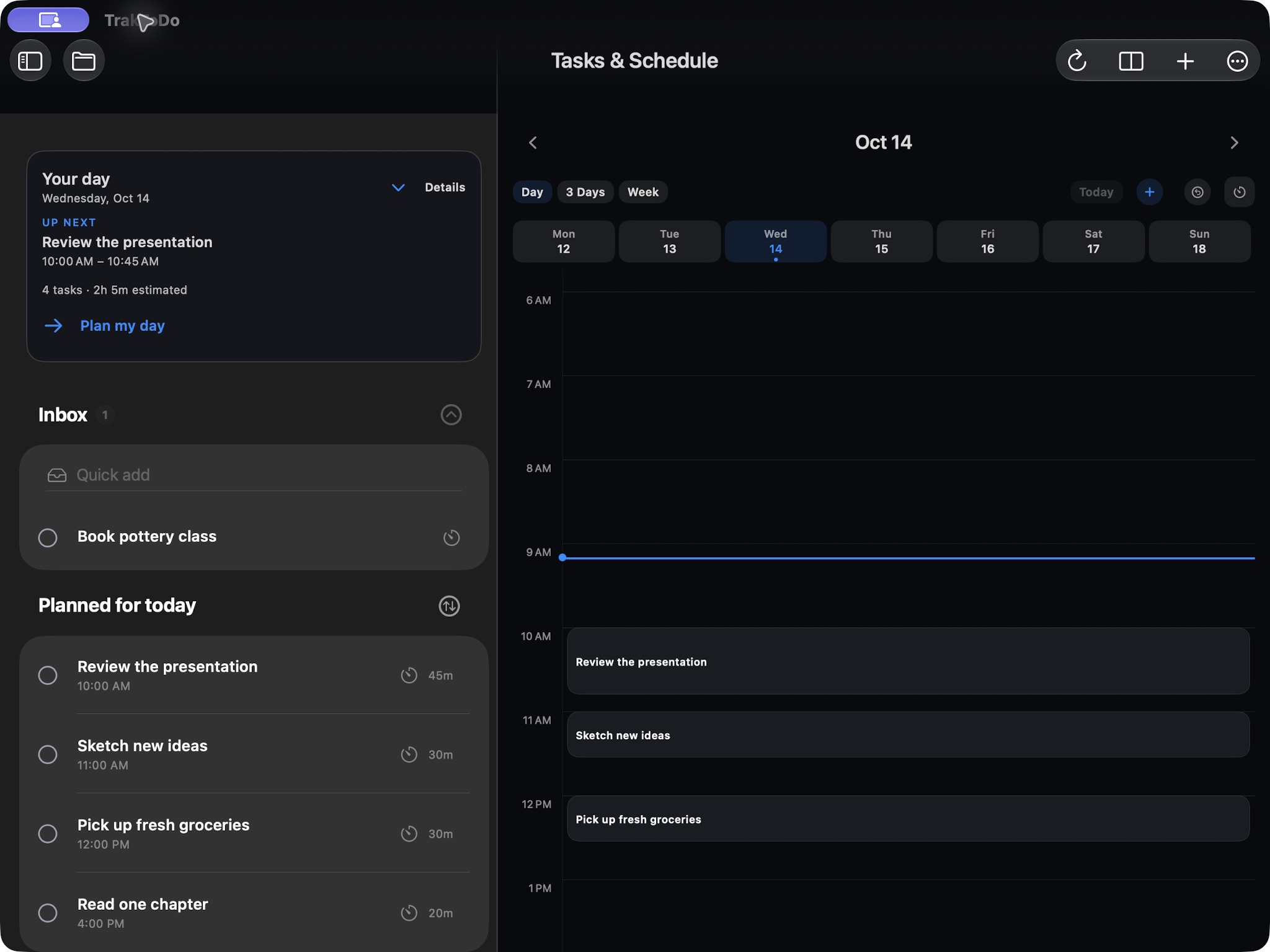
Yes. Choose which calendars appear in Schedule. Open a supported Zoom, Teams, Google Meet, or Webex link from the event. You can also import tasks from Apple Reminders. Both connections are optional, and you choose which permissions to allow.
How is my information handled?+
Your tasks are stored on your device, with optional sync through your private iCloud database. Live Activities use a background update service. The privacy policy explains how each optional feature handles your information.
Where can I get help?+
Visit Support for setup and troubleshooting, or email traktodo.support@gmail.com.